Open Markdown
A beautiful, native macOS app for reading Markdown files — with GitHub-style rendering, diagrams, and live reload.
Features
GitHub Flavored Markdown
Full GFM support including tables, task lists, strikethrough, and autolinks — rendered exactly like GitHub.
Syntax Highlighting
Beautiful code blocks with automatic language detection powered by highlight.js, covering 190+ languages.
Mermaid Diagrams
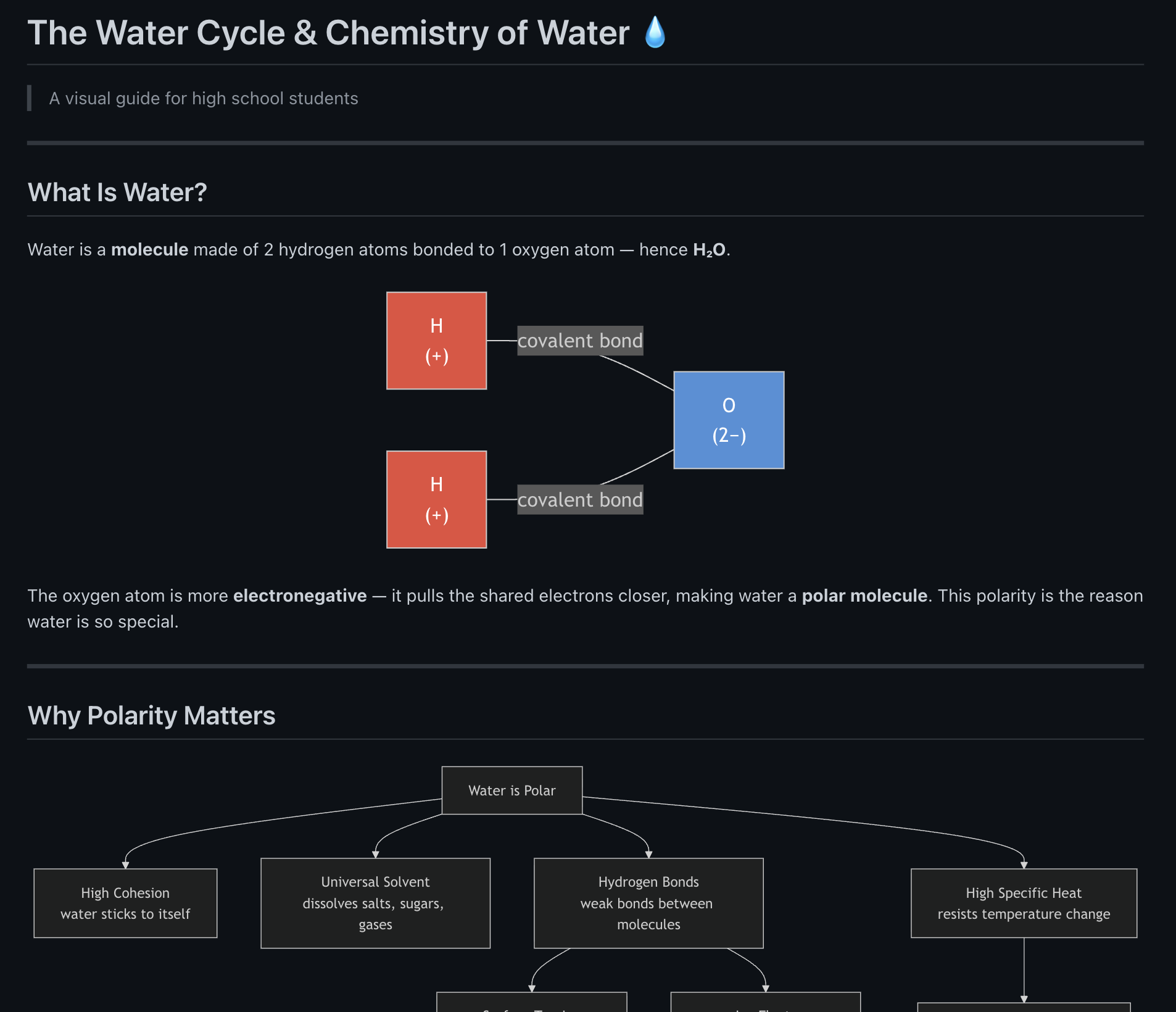
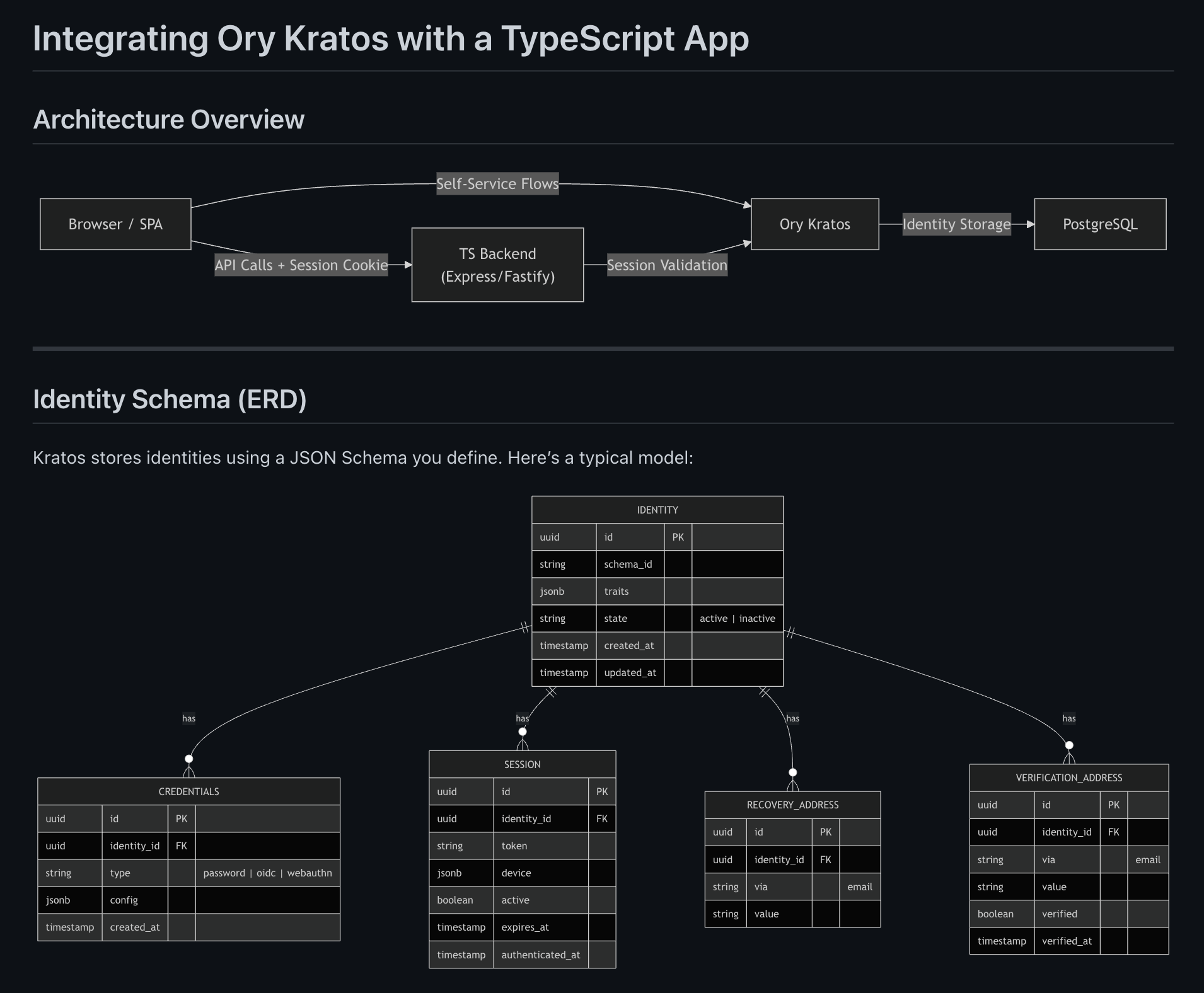
Render flowcharts, sequence diagrams, Gantt charts, and more directly from fenced code blocks.
Live Reload
Automatically re-renders when the file changes on disk, with change highlighting so you can see exactly what changed. Edit in your favourite editor, preview instantly.
Multi-Window
Open multiple files side by side with Cmd+N. Each window tracks its own file independently.
Find in Page
Search within rendered content using Cmd+F. Quickly locate text in long documents.
Export as Image
Save the entire document as a PNG image, or right-click any Mermaid diagram to copy it as an image.
Copy as Rich Text
Copy the rendered document to your clipboard as rich text. Paste directly into Google Docs, Jira, Confluence, and more — formatting preserved.
Light & Dark Themes
Follows your system appearance or toggle manually. Looks great in both modes.
Pinch to Zoom
Zoom in and out with trackpad pinch gestures, keyboard shortcuts (Cmd+= / Cmd+-), or reset with Cmd+0.
Drag & Drop
Drop any Markdown file onto the app window or Dock icon to open it immediately.
Inline Edit Mode
Press Cmd+E to edit directly in the rendered document. Notion-style block menu, formatting shortcuts (Cmd+B, Cmd+I, Cmd+E, Cmd+K), and a raw-markdown escape hatch when you need it.
Inline Images
Images load directly in the document — both local paths (relative or absolute) and HTTPS URLs. PNG, JPEG, GIF, SVG, WebP, AVIF, ICO, and BMP supported.
Smart Links
Hover any link to preview its target in the status bar. Click to open in your default browser. Right-click for a menu to copy or open the URL.
Window State
The app reopens exactly where you left it — window size, position, and fullscreen state are restored across sessions.
External Editor
One click sends the current file to your favourite editor or IDE. Configure the command once in Preferences and the toolbar button does the rest.
Examples
See how Open Markdown renders real-world documents — complete with Mermaid diagrams, syntax highlighting, and tables.